
Teleprompter for Video: Complete Setup Guide
On this page
Recording video with a teleprompter means you can look at the camera, stay on script, and get through takes without forgetting what you wanted to say. Here's how to set it up without overcomplicating things.
The simple setup: phone or tablet
You need a teleprompter app, a mount, and a camera (which can be a second phone).
Positioning
Mount the teleprompter device as close to the camera lens as you can. Directly above or below is ideal. The further the text is from the lens, the more obvious it'll be that your eyes are reading something off to the side.
If you're using a DSLR or mirrorless camera, a hot shoe mount works well for holding a phone right above the lens.
Voice control makes this easier
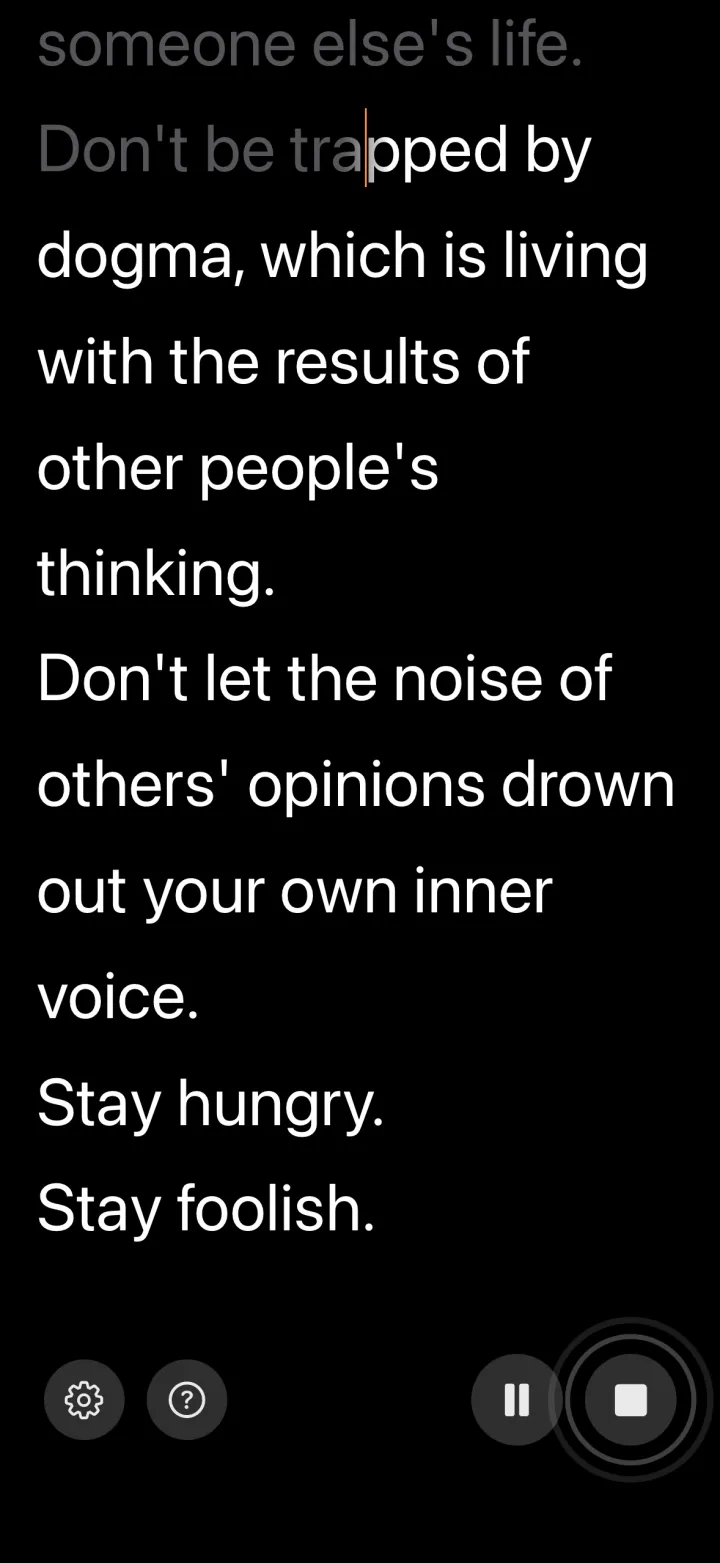
With a fixed-speed teleprompter, you either need to practice matching the speed or have someone operate it for you. A voice-controlled app like VoiceScroll listens to your speech and keeps the script in sync. You talk, it follows. You pause, it waits. Less to think about when you're already focused on looking natural on camera.
The pro setup: hardware rig
If you want the text to appear directly on the camera lens (like a news broadcast), you'll need a beam splitter rig. A few options at different price points:
- Parrot Teleprompter: compact, designed for phones. Around $100.
- Glide Gear TMP100: works with tablets and DSLR cameras. Around $150-200.
- Ikan Professional: broadcast-grade. $500+.
Once the phone or tablet sits in a rig, it is out of reach. VoiceScroll also works with a Bluetooth remote, foot pedal or keyboard: start and pause, or step back and forward. You choose what each button does in Settings › Remote & Buttons.
Script formatting
How you format the script matters as much as what you write.
- Short sentences. You need to glance at the teleprompter and then look back at the camera. Long sentences make this harder.
- Blank lines between paragraphs. Visual breathing room helps you find your place.
- Big font. Bigger than you think you need. You shouldn't have to squint.
- Write the way you talk. If you wouldn't say "furthermore" out loud, don't put it in the script.
Delivery
- Run through the script once before recording. Just to get a feel for the flow.
- Don't try to read perfectly. A few "ums" and pauses make you sound human.
- Vary your speed. The biggest giveaway of teleprompter use is monotone, constant-pace reading.
- Think of the camera as a person. You're talking to someone, not reading to a machine.
Mistakes that waste time
- Font too small: You'll squint. It looks bad on camera and slows you down.
- Screen too far from the lens: Your eyes visibly dart away. Viewers notice.
- Fixed speed that doesn't match your pace: This causes most re-takes. Voice control fixes it.
Ready to try it?
Speech recognition keeps your script in sync as you talk. Paste, tap start, speak — no hands.
Try VoiceScroll for free
Voice-powered teleprompter that scrolls as you speak.