
Phone or Computer: Where to Put the Teleprompter
On this page
Most teleprompter advice starts with which app to install. When there is already a computer in front of you, that is the second question. The first is which screen the script goes on, because that decides your eye line, whether the prompter and your recording end up asking the same microphone for access, and whether the text can wait for you when you pause.
Short answer
Put the prompter on the computer when the camera is the computer's own webcam, and on a phone or tablet when a separate camera is filming you. The webcam case covers presenting, video calls, and working off a screen you already have open: the lens is right above what you are reading, so a window near it is enough. A camera that sits apart from the screen is where a second device wins, because the prompter can then go next to that lens and it stays off the microphone your computer is using.
Three things decide it
| Prompter on the computer | Prompter on a phone or tablet | |
|---|---|---|
| Eye line | Wherever the screen sits, which on a laptop the hinge decides | Inches from the lens, wherever you put the stand |
| Microphone | Shared with whatever is recording or hosting the call | Separate device, no contention |
| Script follows your voice | Browser tools do it, desktop apps generally scroll at a speed you set | Yes |
| Install permission | Needed for a desktop app, not for a browser tab | Not a factor, the phone is yours |
Eye line is what viewers notice
A phone on a small stand can sit a few inches under the lens. A computer screen sits where the machine puts it, and on a laptop the hinge decides that for you. The distance between where you are reading and where the camera sits is what viewers register as reading, even when they could not say why.
So the phone wins when the camera is separate from the screen, and loses when the camera is the webcam built into that screen. In the second case the gap is small already, and the bigger display is simply easier to read from.
When you do read from the computer, keep the text column narrow and put it as close to the camera as the layout allows. Where the webcam actually sits differs by machine, and that is what the platform guides below get into.
The microphone is what people find out about late
A prompter that listens to your voice needs the microphone. So does the software recording you, and so does a meeting app. On one machine they are all asking the same input for access at the same time.
It often works. Windows normally lets several applications capture from one microphone, and macOS behaves similarly. It can also fail depending on how each application takes the input, and you tend to discover which case you are in during the take rather than before it. Running the prompter on a separate device removes the question instead of testing it.
A fixed-speed prompter never enters this contest, because it is not listening to anything. That is the real advantage of a desktop app when you are recording on the same machine.
Why a script that follows your voice is a phone thing
Scrolling that tracks what you are actually saying needs continuous speech recognition running alongside the script. On phones and tablets that is a standard platform capability and apps build on it directly. On desktop it is the exception rather than the rule: browser tools such as Speakflow do it in a tab, and Elgato's Voice Sync does it natively but needs the hardware it ships with.
This is the difference that shows up in a long take. A fixed speed is fine when you have rehearsed and the take is short. Once you pause, ad-lib, or record something long, that speed becomes a second thing to manage while the camera runs.
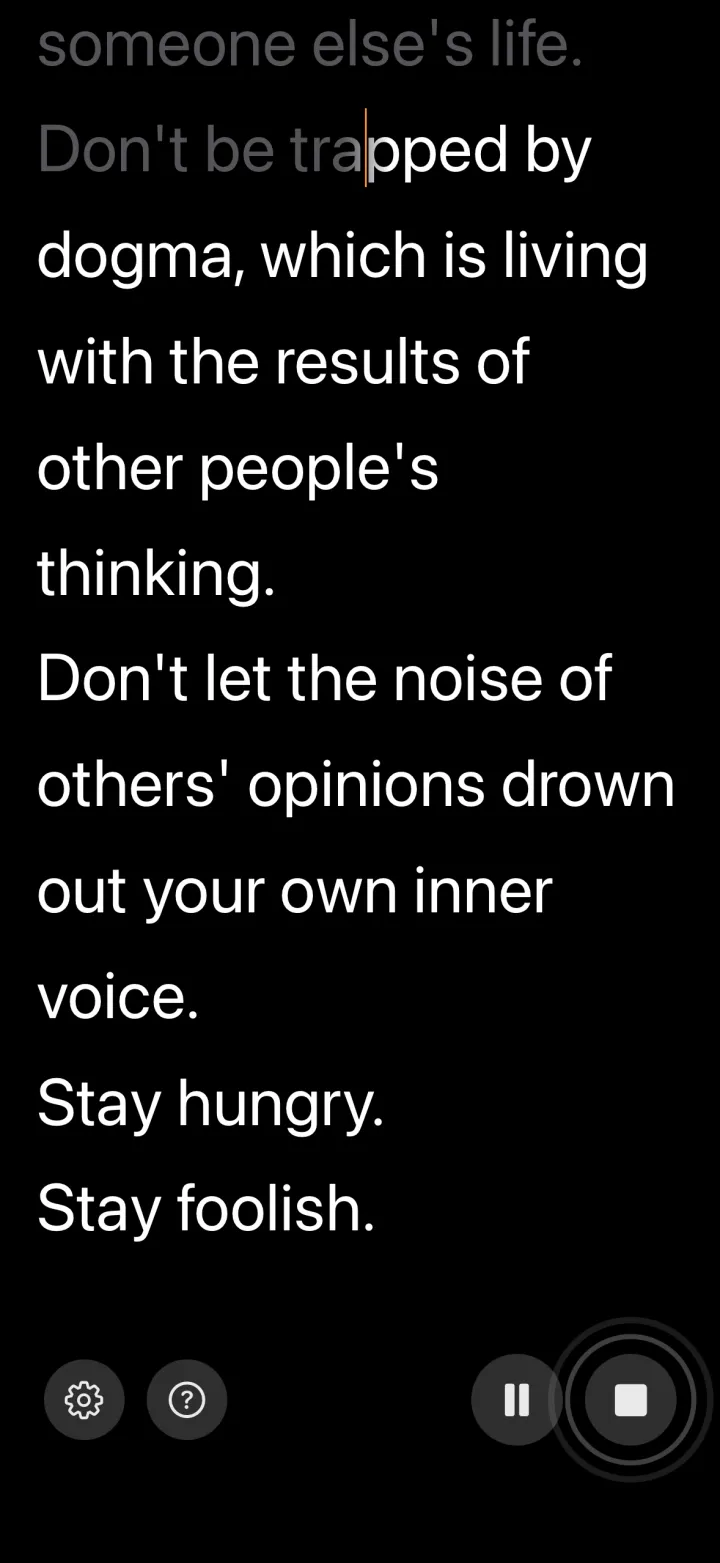
VoiceScroll works this way on iPhone, iPad, and Android, with recognition handled by default on the device by each platform's own recognizer. On iPhone and iPad the app requires on-device recognition by default. On Android the app asks for on-device recognition by default and doesn't pick a server-based recognizer by itself. If your phone can't recognize the language you picked offline, it tells you instead of switching to a server on its own. For that language you can try Online recognition, which sends your audio to Google and needs an internet connection. Our guide to how voice-controlled prompters work covers the mechanics.
When the computer is the right screen
Presenting from slides, sitting in a video call, rehearsing, or reading off the same screen you are already working on. The camera in these cases, when there is one, is the webcam sitting just above the screen you are reading, so the gap between text and lens is already small and the larger, closer screen wins on comfort.
If you cannot install software on that machine, a browser tab covers this case without an install. That restriction does not touch the phone route at all, since the phone is yours.
Where hardware fits
A beam-splitter rig puts the text on the lens itself, which is the one thing neither screen can do. Angled glass in front of the camera reflects a display below it, so you read text that appears to float over the lens while the camera shoots through the glass. The best-known desk option is the Elgato Prompter, a compact unit with a built-in display that sits in front of a webcam, mirrorless, or DSLR.
Most people do not need it. A phone or tablet near the lens covers YouTube, presentations, and most client-facing video, and the small eye shift goes unnoticed outside broadcast work. Buy hardware when genuine eye contact at a desk is the point of the shot, not because the software is better.
Once you have picked the screen
The rest is platform detail, and it lives in the guide for wherever you landed.
- On a Windows PC or laptop: which app to install, where the webcam actually is on your machine, multi-monitor placement, and reading during Teams and Zoom calls. See the free teleprompter for Windows guide.
- On a Mac: window placement, when mirror mode applies, recording with QuickTime, and whether a paid Mac app is worth it over the free one. See the free teleprompter for Mac guide.
- No install permission on the machine: our roundup of free browser-based teleprompter tools.
- On a phone or tablet: the iPhone and iPad guide and the Android guide for the apps, and the iPad guide for stands and positioning.
Ready to try it?
Speech recognition keeps your script in sync as you talk. Paste, tap start, speak — no hands.
Frequently Asked Questions
Should I put the teleprompter on my computer or my phone?
Use the computer whenever the camera is its own webcam: presenting, video calls, rehearsing, or reading off a screen you already have open. The lens is just above the text in those cases. Move to a phone or tablet when you are filming yourself with a camera that sits apart from the screen. A phone can then sit inches from that lens instead of wherever the laptop hinge puts the screen, it can follow your voice rather than scrolling at a set speed, and it keeps the prompter off the microphone your computer is recording with.
Will a teleprompter and my recording software fight over the microphone?
Only if the prompter listens to your voice. Windows and macOS normally let several applications capture from one microphone, so it often works, but it can fail depending on how each application takes the input and you usually find out mid-take. A fixed-speed prompter never touches the microphone. Putting the prompter on a separate device removes the question instead of testing it.
Why do voice-following teleprompters run on phones rather than desktops?
Continuous speech recognition next to the script is a standard capability on phones and tablets, so apps build on it directly. On desktop it is the exception rather than the rule: browser tools such as Speakflow do it in a tab, and Elgato's Voice Sync does it natively but needs the hardware it ships with.
Do I need a hardware teleprompter?
Usually not. A beam-splitter rig buys you one thing, which is text that appears to sit on the lens itself, and outside broadcast work the small eye shift from a phone near the camera goes unnoticed. Buy hardware such as the Elgato Prompter when genuine eye contact at a desk is the point of the shot, not because the software is better.
Try VoiceScroll for free
Voice-powered teleprompter that scrolls as you speak.