Teleprompter for YouTube: Fewer Takes, Better Videos
A lot of YouTubers use teleprompters. Not because they can't speak without one, but because memorizing scripts wastes time. A 10-minute video might need 20 segments. Each segment takes 3-5 takes from memory, 1-2 with a teleprompter. Over a full video, that's the difference between a 2-hour session and a 6-hour one.
What a teleprompter actually does for YouTube
Three practical things:
- Fewer re-takes. You don't blank on what to say next.
- Tighter scripts. Written content is more concise than improvised speech. Less rambling means better retention.
- Better auto-captions. Scripted speech is clearer and more consistent, which gives YouTube's auto-captioning system better input.
Setup by video type
Talking head videos
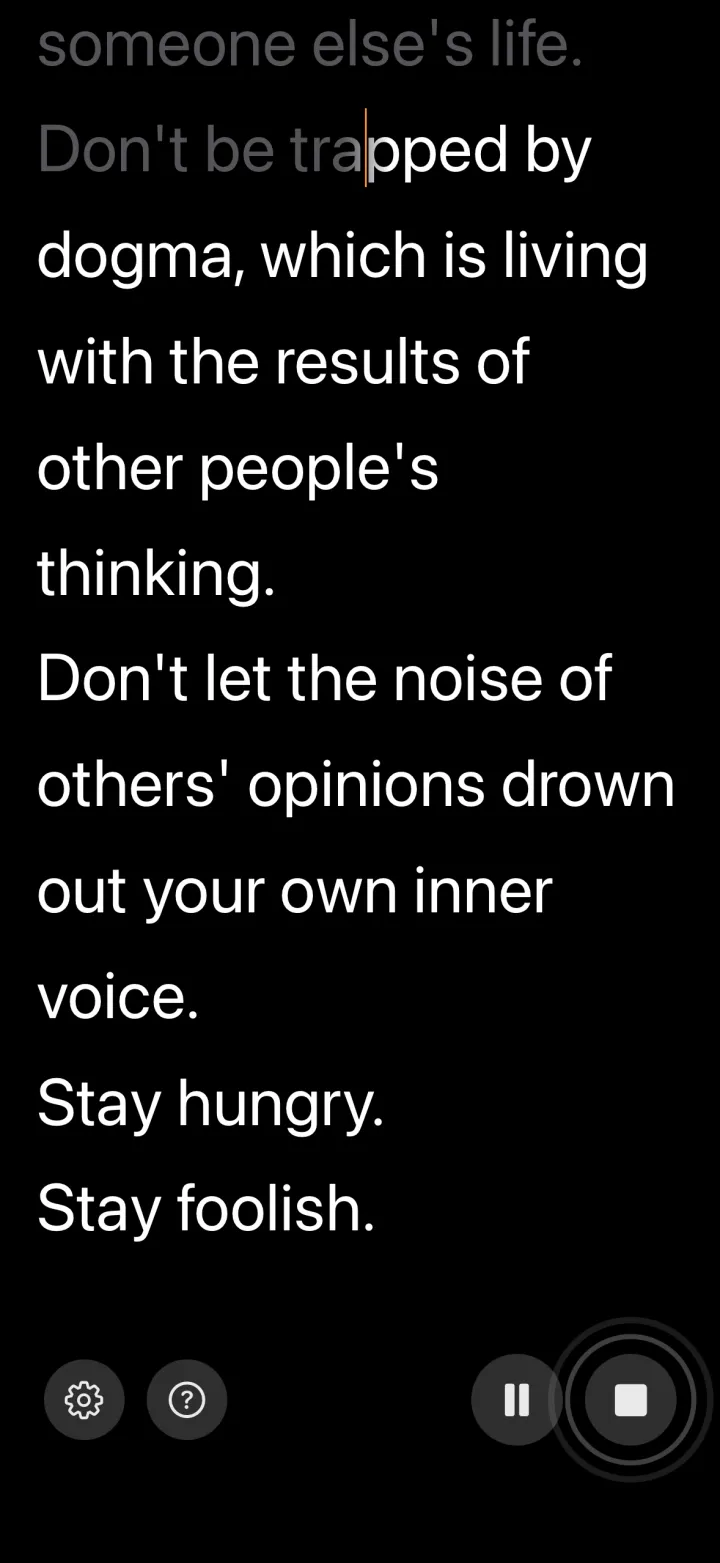
Mount your phone or tablet just above or just below your camera lens. Use a voice-controlled app so the text follows your natural speed. Fixed-speed scrolling creates a subtle "reading" quality that viewers pick up on, even if they can't articulate why the delivery feels off.
Screen recordings and tutorials
Put the teleprompter on a second monitor or in a floating window. Since you're not on camera, eye movement doesn't matter. You just need the script visible while you demonstrate on screen.
Shorts / Reels / TikTok
30-60 second scripts need to be tight. A teleprompter helps you deliver them without stumbling. Use a large font since you'll be reading quickly.
Scripting tips for YouTube
- Write a strong first line. YouTube viewers decide whether to keep watching in the first few seconds. "Here's what nobody tells you about..." beats "Welcome to my channel, in today's video we'll be discussing..."
- Write like you're texting a friend, not writing an essay. Short sentences. Contractions. Simple words.
- Keep paragraphs to 2-3 sentences. Each paragraph is roughly one breath.
- Write out your CTAs. "If this was helpful, hit subscribe" sounds more natural when it's scripted than when you improvise it on the spot.
- Read the whole script out loud before recording. If any sentence feels awkward to say, rewrite it.
Common mistakes
- Reading too fast. YouTube viewers prefer a conversational, slightly-slower-than-normal pace.
- Not editing the script for speech. Written language and spoken language are different. "Furthermore" and "In addition to this" are writing words, not talking words.
- Staring at the teleprompter. Look at the camera. The teleprompter is peripheral vision material.
Recommended setup
VoiceScroll on an iPhone or iPad, mounted near your camera lens. Large font, short sentences, line breaks between ideas. Works offline, no subscription, voice-controlled scrolling.
Total prep time: about 2 minutes. Time saved per video: a lot.
Try VoiceScroll — Free on the App Store
Voice-powered teleprompter that scrolls as you speak. 9 languages supported.
Download on the App Store