Speech Teleprompter: A Practical Guide for Presentations
If you've ever gone blank in front of an audience, you know the feeling. Your mind empties, the silence stretches, and everything you prepared vanishes. A teleprompter prevents that. Your words are right there in front of you.
Why bother with a teleprompter for speeches?
Memorizing a speech is high-risk. Even experienced speakers occasionally lose their place under pressure. Paper notes work, but they force you to look down, and audiences notice when you break eye contact repeatedly.
A teleprompter keeps the text at eye level. You can maintain eye contact with the room while having your script available whenever you need it.
Setup options
Presidential-style (dual glass panels)
Two transparent glass panels flanking the speaker, each reflecting text from a monitor below. Looks professional, lets you address both sides of the room naturally. Costs $1,000+ to rent. Overkill for most situations.
Phone or tablet on a stand
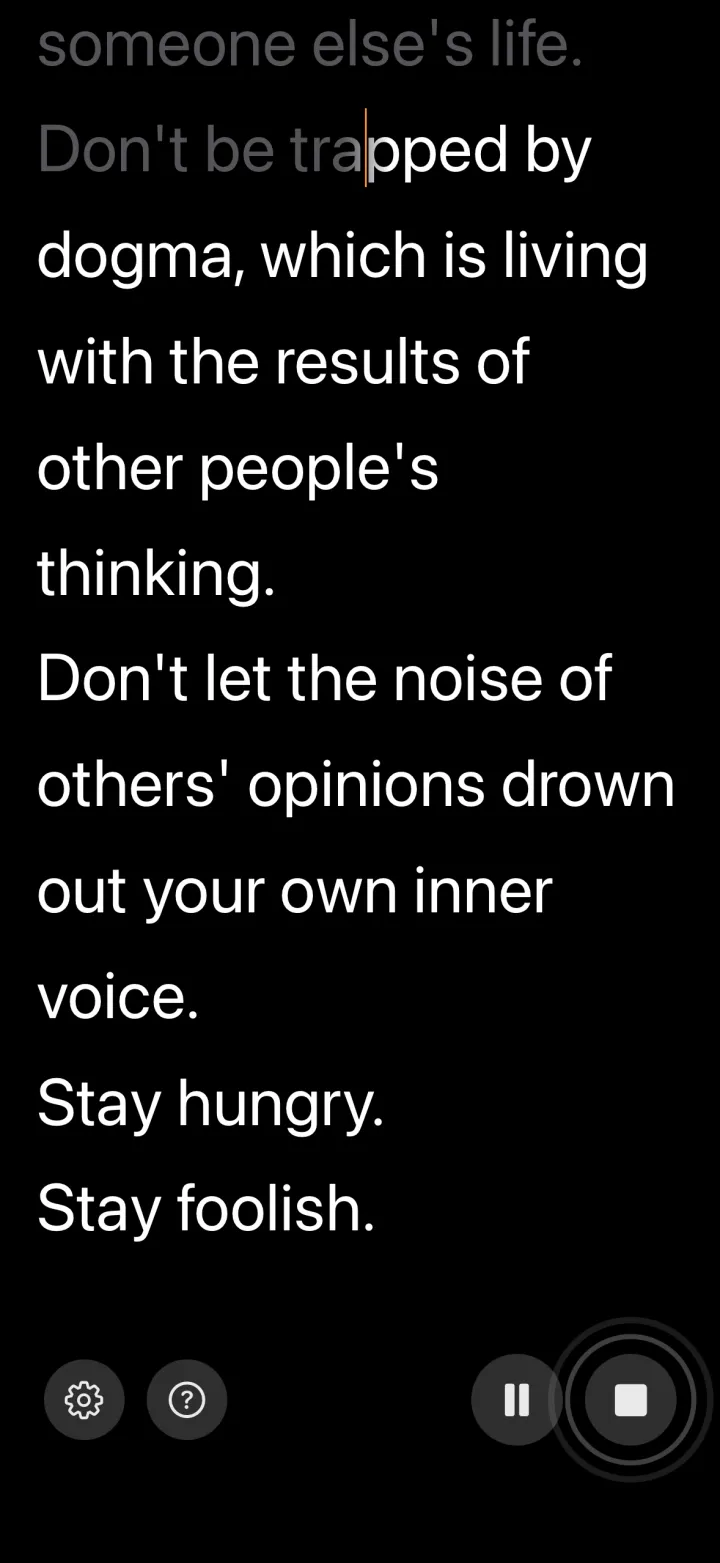
The practical option. Mount your device on a music stand or attach it to the lectern. Set the font size large enough to read from 3-6 feet away. If you use a voice-controlled app like VoiceScroll, the text follows your pace, which matters a lot during live talks (more on that below).
Laptop on the podium
Open a browser-based teleprompter, increase the font size, and let it scroll while you present. Simple but functional.
Why voice control matters for live speaking
Live talks are unpredictable. The audience laughs and you wait for it to die down. Someone raises their hand with a question. You decide to skip a section because you're running long. You want to repeat something because it didn't land the first time.
A fixed-speed teleprompter can't handle any of this. It keeps scrolling no matter what. You either rush to catch up or lose your place entirely.
With VoiceScroll, the text waits when you stop talking. During Q&A, during applause, during any improvised moment, the script stays put. When you start speaking again, it picks up where you left off.
Writing speeches for a teleprompter
- Write the way you actually talk. Contractions, short sentences, simple words.
- Add extra blank lines where you want to pause. They serve as visual breathing marks.
- Use a large font. If you can't read it from across a room, it's too small.
- Number your sections so you can jump ahead or back easily.
- Do at least two practice runs with the teleprompter before the real thing.
Delivery tips
Read a phrase from the teleprompter, then look at the audience and say it. This creates a natural rhythm. Don't stare at the screen continuously.
Move your attention around the room. Look at different sections of the audience between teleprompter glances. This makes it look like you're speaking from memory, even though you're not.
And treat the teleprompter as backup. You should know your material well enough to survive without it. The teleprompter keeps you on track; it doesn't replace preparation.
Try VoiceScroll — Free on the App Store
Voice-powered teleprompter that scrolls as you speak. 9 languages supported.
Download on the App Store